HeightCanvas
A downloadable tool
Turn a flat map image into 3D game terrain — just by painting it.
Building terrain for a small game is slow: modelling it by hand takes forever, and the big terrain tools feel like overkill — node graphs, real elevation data, a learning curve. I hit that wall making my own game, so I built something dead simple instead. You paint over a map image, and you get a 3D model. That's HeightCanvas.
How it works
- Load a satellite or aerial image.
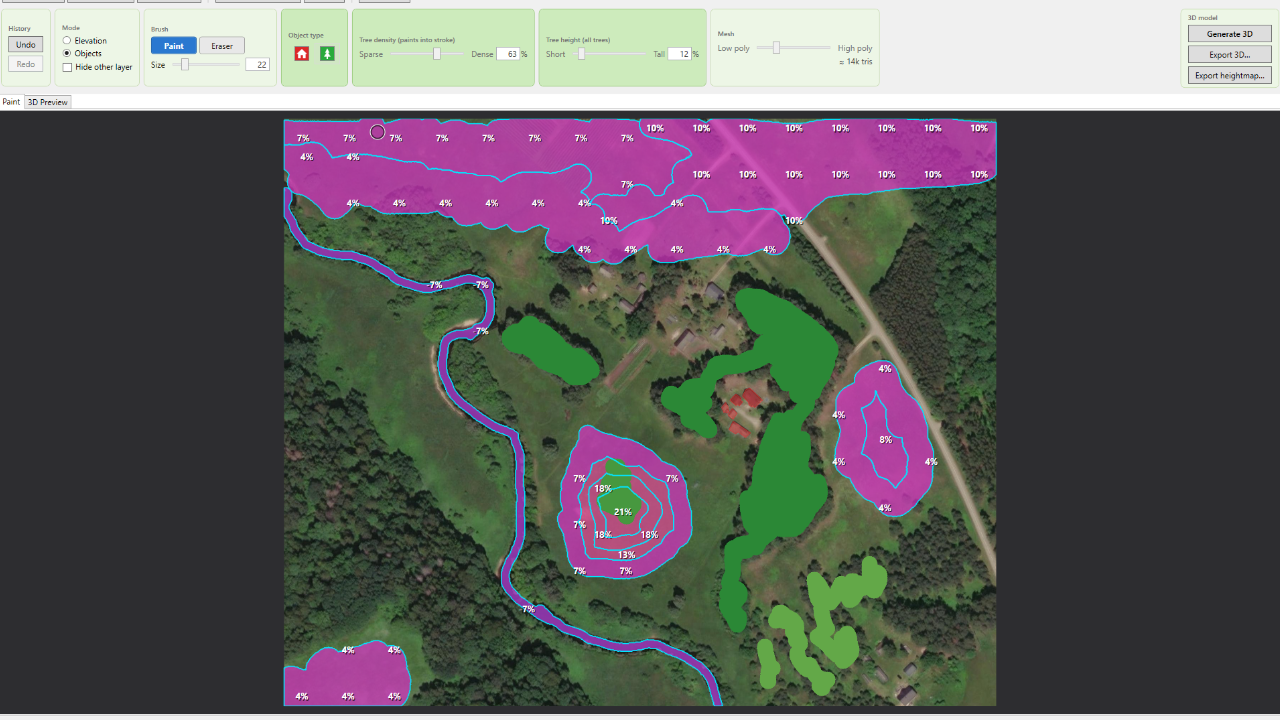
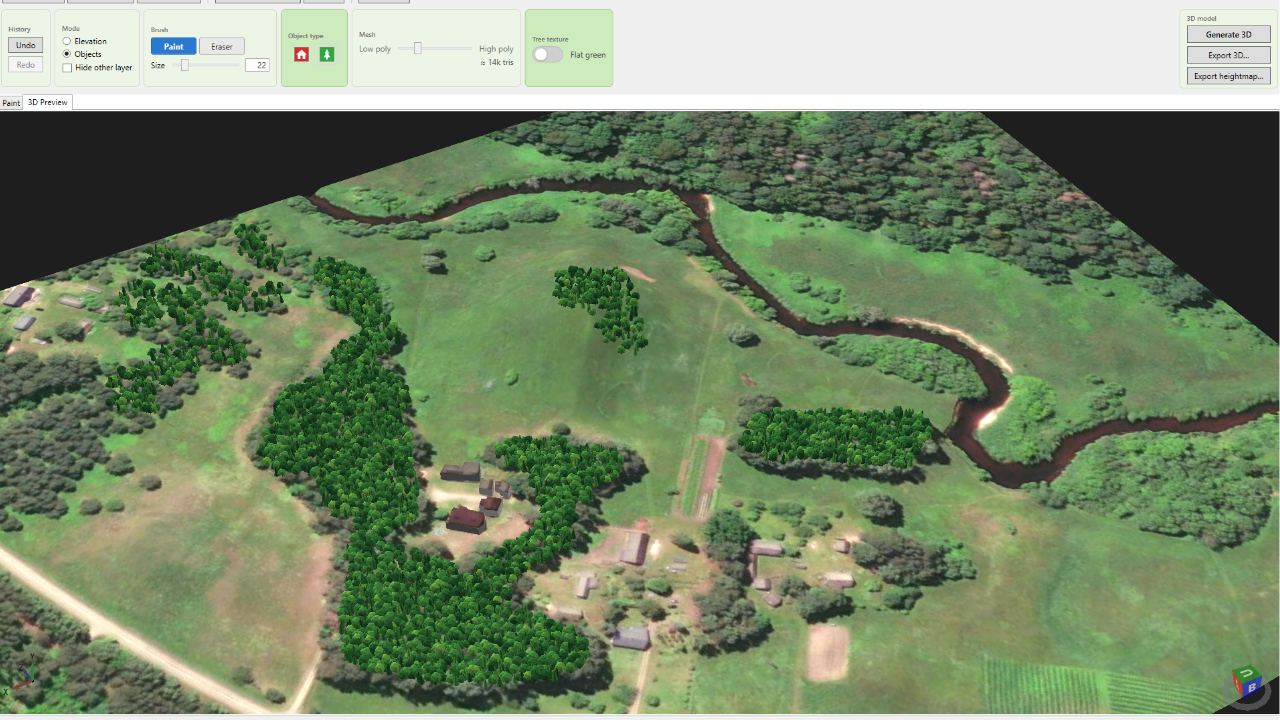
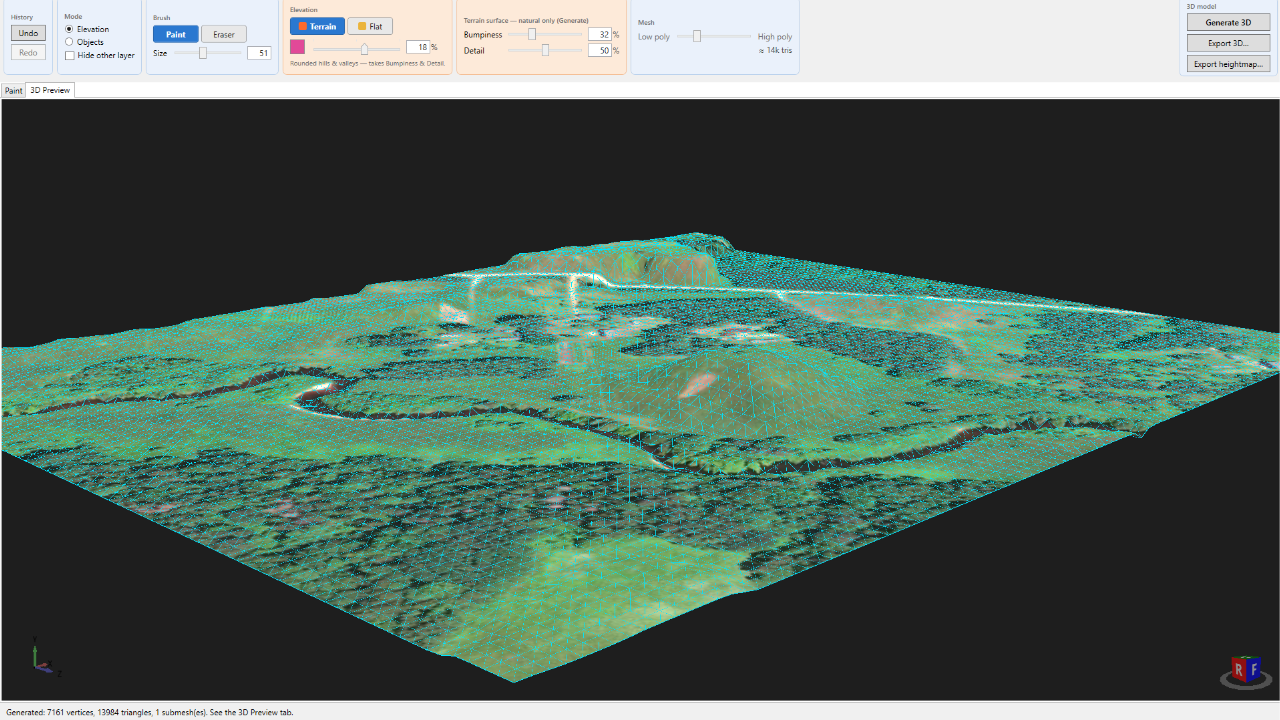
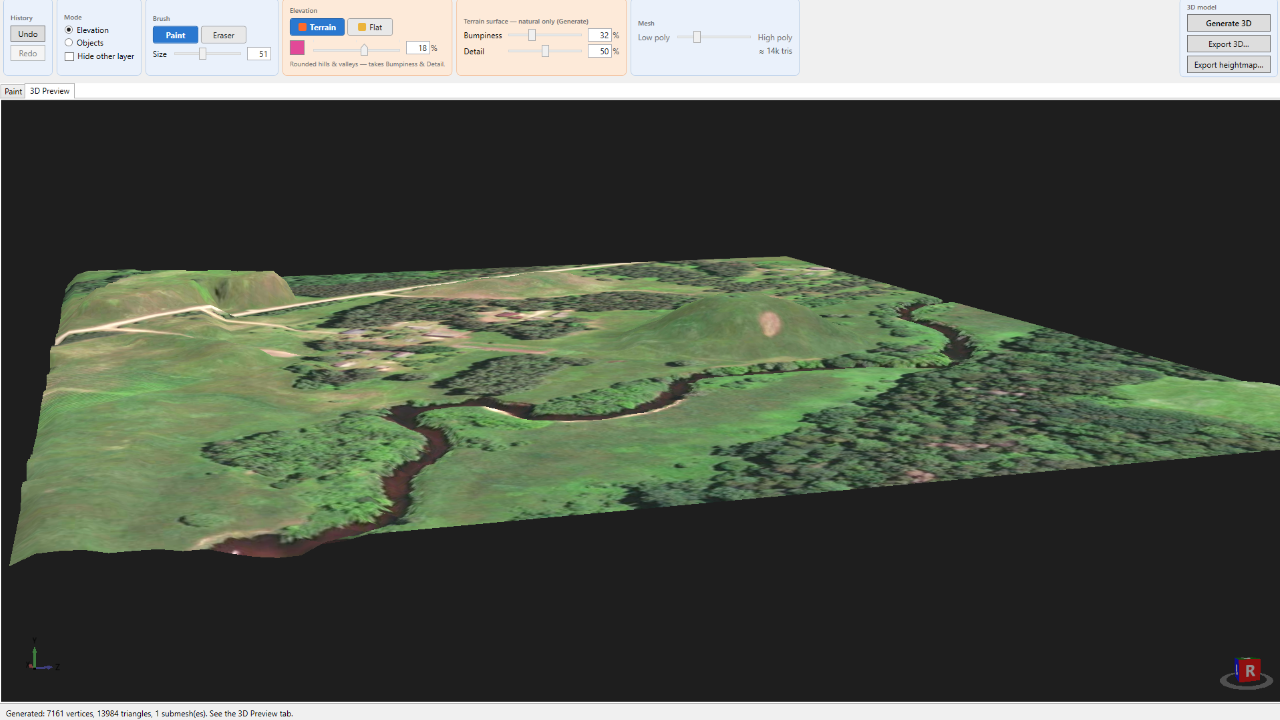
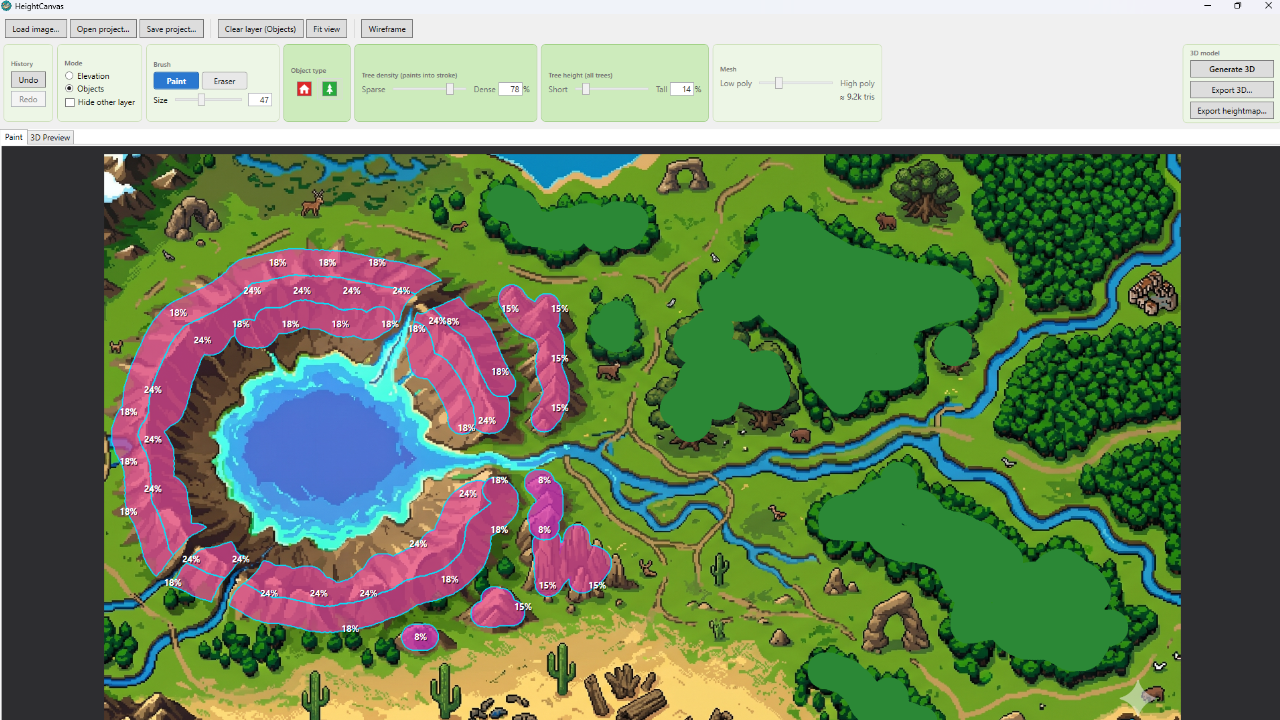
- Paint elevation to raise hills and valleys — a slider sets the height. Drop in buildings and trees.
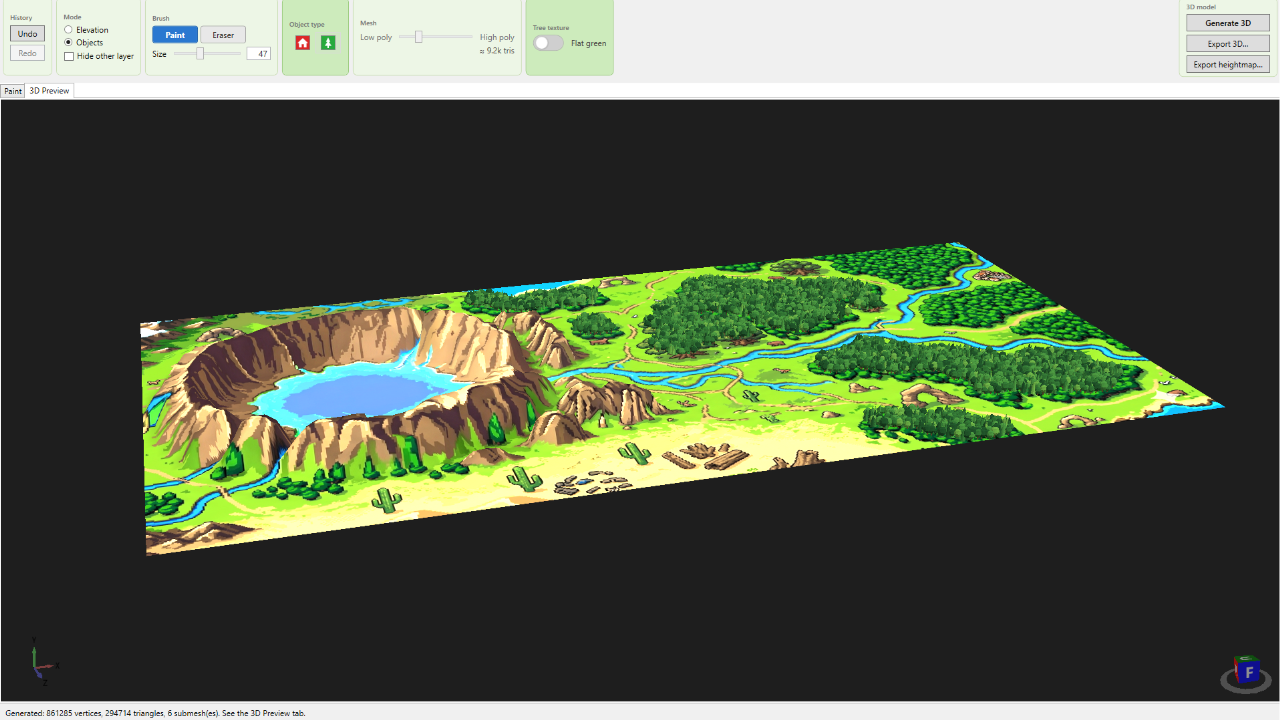
- Generate a 3D model, textured with your original image. Orbit it in a live preview.
- Export, and drop it straight into your engine.
What you get
- A textured, low-poly 3D terrain from any map image
- Export to GLB or OBJ — into Unity, Godot, Unreal, or any 3D viewer
- Or a 16-bit heightmap (PNG) to build your own terrain from the height data
- Live 3D preview — orbit and check the model before you export
- Buildings & trees as quick placeholders (basic — see the note below)
Honest heads-up
The terrain is the heart of this tool, and it works really well. The buildings and trees are simple and still a work in progress — handy as placeholders, but plenty of people will just use the terrain and add their own objects. I'd rather tell you that up front than oversell it.
Good to know
- Runs on Windows
- No account, no internet, no external data — just your image and the paint you add
- One-time $5 — no subscription, no catch
If you make small games and want a fast way to turn a map into 3D terrain, give it a try. It saved me a lot of time — maybe it saves you some too.
Made by lowendplay — a gamedev, for gamedevs.
Purchase
In order to download this tool you must purchase it at or above the minimum price of 8.00€ EUR. You will get access to the following files:
Development log
Comments
Log in with itch.io to leave a comment.
this is such a cool concept, I’ll definitely pick it up eventually.
this is such a cool comment. I thank you so much :] Have an amazing day, amazing person.